
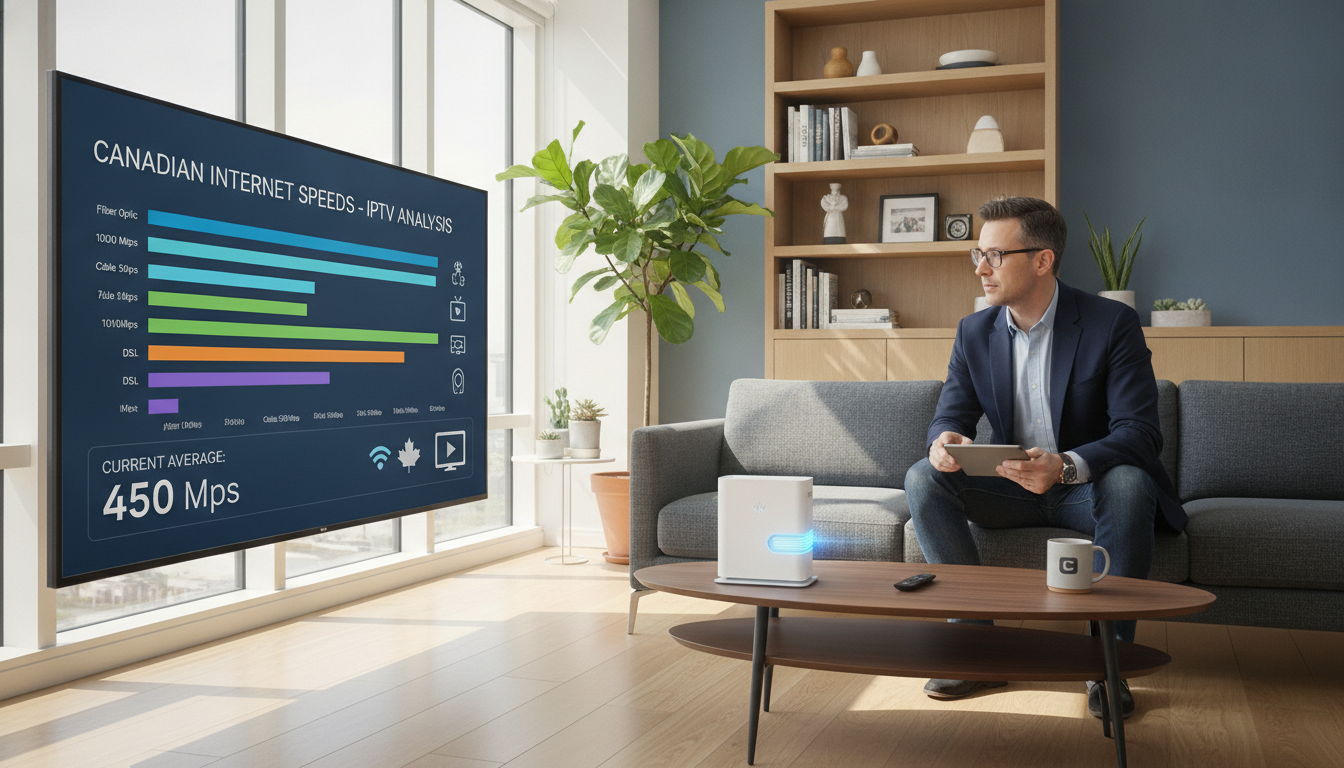
How many Mbps do you need for IPTV in Canada? Allow 3–5 Mbps for SD, 5–10 Mbps for HD, and about 25 Mbps for one 4K stream. Add every simultaneous stream, then add roughly 20% headroom for video calls, gaming, downloads and updates.
These are practical starting points, not guarantees. Bitrate, codec, Wi-Fi quality and evening congestion all affect what you actually get.
| Video Quality | Minimum Speed | Recommended Speed |
|---|---|---|
| Standard Definition (SD) | 3 Mbps | 5 Mbps |
| High Definition (HD) | 5 Mbps | 10 Mbps |
| 4K Ultra HD | 15 Mbps | 25 Mbps |
Not sure which plan fits your household? Our VIPTV Server plans list what each subscription includes, so you can match capacity to the number of screens you actually use.
Once your connection checks out, our device setup guides walk through installation on smart TVs, streaming boxes, phones and computers.
Choosing a provider matters as much as choosing a plan. Our guide on how to pick a safe IPTV service covers payment, data and seller checks before you subscribe.
Want to check your setup before committing? Start with our free trial and test picture quality during peak evening hours on your own connection.
For official Canadian broadband data and consumer guidance, see the CRTC, which publishes broadband availability and speed targets, and Innovation, Science and Economic Development Canada. To measure your own connection, use Speedtest or Netflix’s Fast.com, which tests against streaming servers.
Test it on your own connection
Try VIPTV Server free and check picture quality during peak evening hours.
Start my free trialTable of Contents
ToggleFrequently Asked Questions
How much internet speed does IPTV need in Canada?
Allow 3–5 Mbps for SD, 5–10 Mbps for HD and about 25 Mbps for each 4K stream. Add every simultaneous stream, then add about 20% for other household activity.
Why does my stream buffer when my internet is fast?
Weak Wi-Fi, router placement, evening congestion, or other devices using bandwidth are the usual causes. Test the same content over Ethernet before changing your plan.
How much speed does 4K streaming need?
About 25 Mbps per stream is a practical target. Live sports and high frame-rate content can need more because the picture changes constantly.
Is 100 Mbps enough for a family?
For most households, yes. A 100 Mbps plan supports two 4K streams plus browsing, calls and gaming. Larger homes running three or more 4K streams may want more headroom.
Which Canadian providers work best for streaming?
Bell, Rogers, Telus, Vidéotron and Cogeco all offer suitable plans. Fibre is usually the most consistent, but availability and peak-hour performance vary by address.
How should I run a speed test?
Test on the device you watch on, during evening hours, three times over a few days. Compare a wired result with a Wi-Fi result to see how much your network is losing.
Does a VPN help or hurt streaming speed?
A VPN cannot add bandwidth and usually adds latency. It is a privacy choice, not a buffering fix. Fix your local network first.
Does a bigger channel lineup need more speed?
No. Only the stream you are watching uses bandwidth. Video quality and bitrate determine the speed you need, not how many channels exist.
[Author name], VIPTV Server
We help Canadian households set up streaming TV and troubleshoot home networks. Questions about your connection? Contact our support team.