
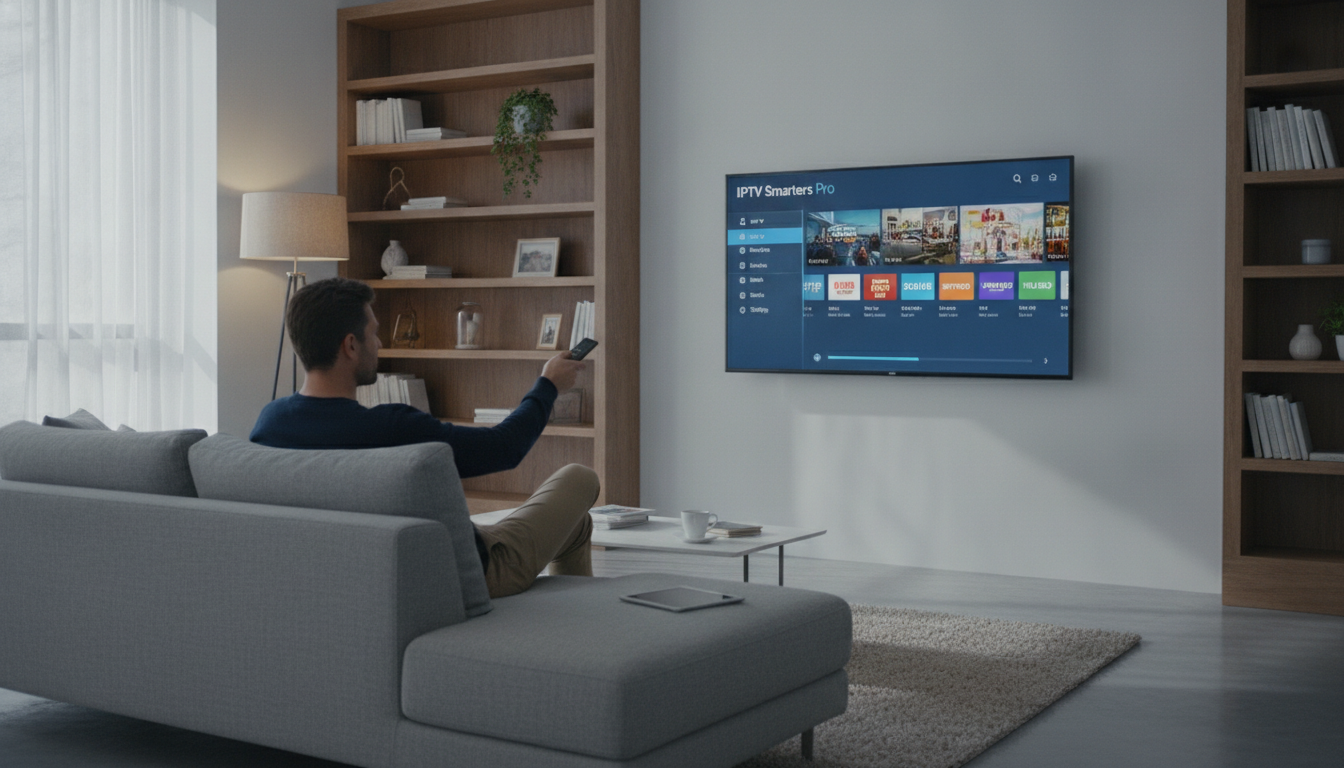
Need to set up IPTV Smarters Pro in Canada? This guide explains how to connect your service without confusing technical jargon.
IPTV, short for internet protocol television, delivers live channels and on-demand content over your internet connection instead of a cable TV line. Enter your provider’s M3U URL or Xtream Codes in the app, it works as a media player, not a channel provider, so it does not include live content on its own.
For live channels, sports events, and entertainment, you need a legitimate IPTV subscription in Canada from a reliable provider. This guide covers installation, playlist entry, and streaming settings.
What You Need First
Downloading IPTV Smarters Pro (Fire TV, Android, iOS, Windows, Smart TV)
Download the app only from a trusted source for your device. This flexible IPTV player connects your device to a separate provider, while availability, app names, and ratings may vary by region.
Android & Android TV
Google Play Store, direct download
Fire TV & Fire Stick
Amazon Appstore, search “Smarters Pro”
iOS & Apple TV
Apple App Store, direct download, works natively on iPhone
Windows PC
Official website, installer file
For Android TV or other streaming devices, check the built-in store first. Avoid unofficial APK files, as unsupported apps can create security risks. For platform-specific support, follow this IPTV installation guide.
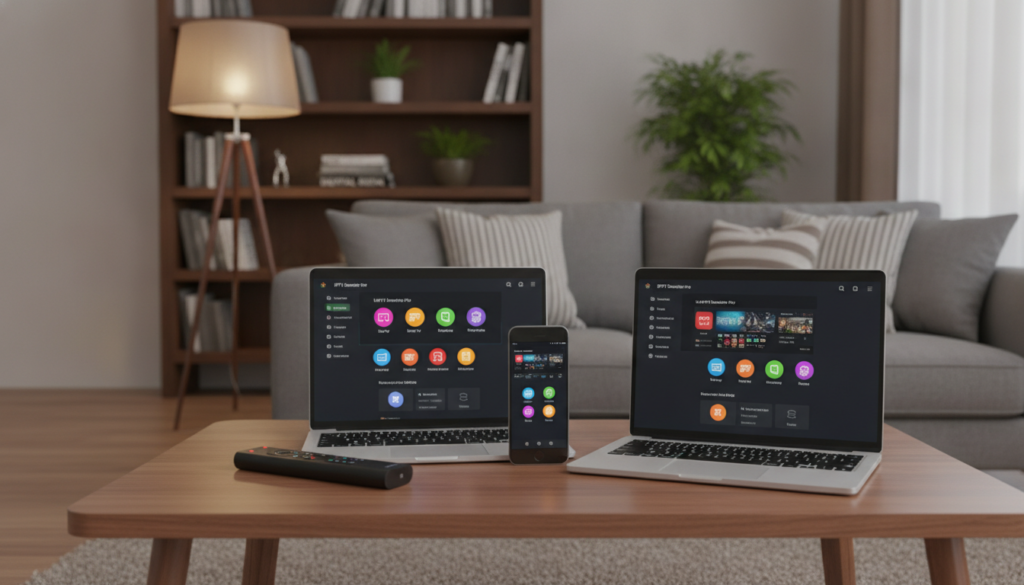
Installing the app does not provide channels automatically. It organises your media, but you still need credentials from a separate streaming provider for entertainment. Use the Pro version only if it is available from a trusted source and its features meet your needs.
Setting Up Your Playlist: Xtream Codes API Method
The Xtream Codes API is one option for connecting your IPTV service to the app. Depending on your provider, it may load channel categories, EPG data, and VOD content automatically.
Open the app and choose the option labelled “Login with Xtream Codes API”. Field names can vary by version. Enter the server URL or portal address supplied by your provider, plus your username and password.

Use only the credentials for your IPTV subscription, not your email address or Wi-Fi password. If your provider supplies an M3U link instead, use the separate playlist method below.
Before signing in, check these details:
Save the account after reviewing the details. The player can then request your provider’s channels. If it displays an error, compare the server URL with your welcome email or dashboard.
Setting Up Your Playlist: M3U URL Method
An M3U URL maps your provider’s channels and content in the app. It may include authentication details, so keep the link private.
Open the application and select “Load Your Playlist or File/URL”. Enter a clear playlist name, then paste the complete link into the URL field. Choose “Add User” if that is the current button label. The app may organise channels into categories, but some providers require a separate EPG URL.
| Feature | M3U URL Method | Xtream Codes API |
|---|---|---|
| Input Type | Single Web Link | URL, User, Pass |
| Setup Speed | Very Fast | Fast |
| Data Sync | Manual Refresh | Automatic |
| Best For | Simple Links | Secure Accounts |
Refresh playlists manually when your provider updates its channel list. Never publish an M3U link because it may grant access to your IPTV service and media.
First-Time Configuration: EPG, Buffer Size, Parental Controls
Once channels appear, adjust the app for a better viewing experience. These settings can improve access to content and entertainment, including picture quality on HD and 4K channels.
The EPG displays programme names and schedules for your live TV channels. Its data depends on your provider, so refresh it in settings if the guide is empty.
Buffering may result from Wi-Fi quality, provider capacity, device limits, or network congestion. A stable internet connection keeps picture quality consistent, especially on HD and 4K streams. Adjust the buffer gradually, but remember that no setting guarantees uninterrupted video streaming.
Setting a parental PIN:
Common Errors and Fixes
Most IPTV player problems involve credentials, the provider, or your connection. Understanding how IPTV services work helps you tell a provider problem from a device problem, so check these causes in order before contacting support.
“Invalid playlist credentials” — compare every URL, username, and password character with your provider’s details. Confirm your IPTV subscription is active and never share these login details publicly.
Blank screen? Try these steps:
For missing EPG data, refresh the guide source. Clear the app cache only if your platform supports it, this is not a universal fix. If problems continue, remove and re-add the playlist, and check your network before reinstalling the app, as congestion or limited bandwidth can interrupt streaming in Canada.
Is IPTV Smarters Pro Safe?
It is a media player, not a host. It displays provider content, so the TV service you subscribe to determines what television content you watch and whether it has the necessary rights.
Use trusted apps, strong passwords, updated devices, and secure payment methods. Check privacy terms, refunds, support, ratings, and any in-app purchases before subscribing, especially for a long term plan.
Do not assume any app or entertainment content is legal or reliable simply because it appears in an app store. Picture quality, channel reliability, and support responsiveness vary between IPTV subscriptions, so testing with a free trial matters more than marketing claims.
Research Canadian providers and protect your credentials. The app itself does not guarantee provider safety.
Ready to Watch? Start Your Free Trial
Once the app is installed, all you need is a subscription to connect it to. VIPTVServer offers 25,000+ live channels, 120,000+ movies and shows, and a free trial before you pay anything.
START YOUR FREE TRIALFAQ
Does IPTV Smarters Pro include live channels when I install it?
No. It is an IPTV player and does not provide content or channels on its own. You need an active subscription from a third-party provider to watch live television. The app organises and plays streams, while your provider supplies access.
Where is the safest place to download the app for my device?
Download it from a trusted, platform-appropriate source, such as Google Play, the Apple App Store, or the Amazon Appstore. Availability and ratings can vary by region. Avoid unknown APK websites and review developer details before installing.
What information do I need to log in using the Xtream Codes API?
Your provider supplies a server URL, username, and password. Select the Xtream Codes option and enter these details exactly as provided. They are not your email or Wi-Fi credentials, they connect the app to your IPTV subscription.
How do I use an M3U URL if my provider did not give me a username?
Choose “Load Your Playlist or File/URL”, paste the complete link into the URL field, and give the playlist a clear name. Remove extra spaces and keep the link private so the app can load your channel list securely.
Why is my stream buffering and how can I fix it?
Buffering may result from Wi-Fi problems, network congestion, device limits, provider capacity, or a distant server. Test your connection, try another channel or device, and adjust the buffer in settings. Persistent interruptions may require support from your provider or internet service provider.
What should I do if I see an “Invalid Playlist Credentials” error?
Compare every character in the server URL, username, and password with your provider’s details. Check that your IPTV subscription is active and that the provider’s server is available. Testing the account on another device can show whether the problem is with the app or your account.
Is IPTV Smarters Pro a legal and safe application to use in Canada?
It is a media player, so content legality and safety depend on your provider and the rights it holds. Research licensing, privacy terms, secure payment methods, refund policies, and customer support before subscribing. For setup help, use the IPTV installation guide or review an IPTV subscription in Canada.